

There could be a few reasons for which the PC keeps restarting continuously. The main problem might be that the registry has become corrupted. If an application is trying to write something in the registry and that is not happening properly due to certain reason then this happens.
So what do we do to stop it? Restart the pc and keep tapping F8 on your keyboard as soon as you see the initial beep screen or the OEM logo. This will take you to a windows advanced boot options menu. Here you need to choose Last Known Boot Configuration and hit Enter. This should resolve the issue. If the problem persists, you need to get ready for more troubleshooting.
The first thing now would be to run a system file checker using the command sfc scannow. In case this doesn’t work then run a windows repair using the OS CD. Well if that also doesn’t solve the issue which in fact it should then it’s the ultimate step.
- Click Start
- Settings (Skip on Windows XP)
- Control Panel
- System (May need to click "Switch to classic")
- Advanced Tab
- Press Settings button
- Uncheck "Automatically restart"

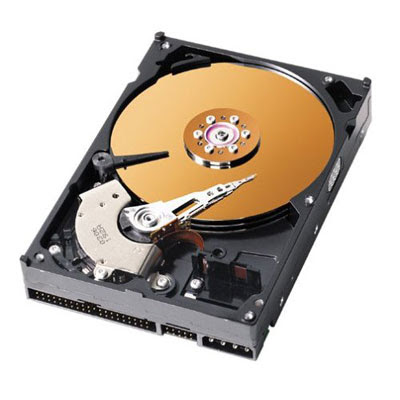 Let’s have a look at the following tips to format a hard drive in MAC OS X.
 Motherboard is basically a printed circuit board. You will find thousands of printed circuits in it which convey information or data from one part of the computer to another. A motherboard also features numerous slots and attachments so that other pc components can be attached.


